1
Download
- Android: Search "BlueWallet" on Google Play Store
- iPhone: Search "BlueWallet" on the App Store
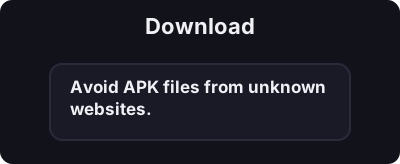
Only download from official app stores. Avoid APK files from unknown websites.
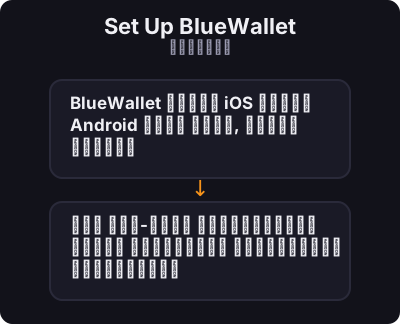
5 నిమిషాలలోపు మీ ఫోన్లో మీ మొదటి బిట్కాయిన్ వాలెట్ని సృష్టించండి.
BlueWallet అనేది iOS మరియు Android కోసం ఉచిత, ఓపెన్ సోర్స్ బిట్కాయిన్ వాలెట్. ఇది ఆన్-చైన్ బిట్కాయిన్ మరియు లైట్నింగ్ నెట్వర్క్ రెండింటికి మద్దతు ఇస్తుంది.
Only download from official app stores. Avoid APK files from unknown websites.
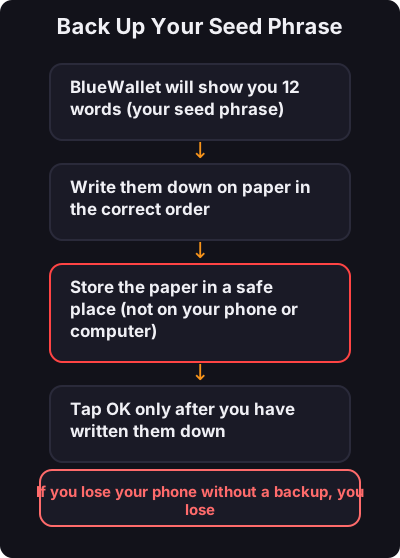
This is the most important step:
- మీ సీడ్ పదబంధాన్ని ఎప్పుడూ స్క్రీన్షాట్ చేయవద్దు - ముందుగా చిన్న మొత్తంతో పరీక్షించండి - చిన్న రోజువారీ చెల్లింపుల కోసం ప్రత్యేక లైట్నింగ్ వాలెట్ను పరిగణించండి