⏱ 4 किमान वाचले

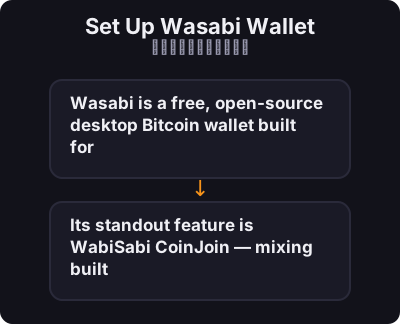
Wasabi is a free, open-source desktop Bitcoin wallet built for **privacy by default**. Its standout feature is **WabiSabi CoinJoin** — mixing built directly into the wallet.
आपण सुरू करण्यापूर्वी

  • Users who want CoinJoin without configuring separate tools
  • Privacy-conscious Bitcoiners on desktop
  • People who have completed our Privacy Basics course
वसाबी वॉलेट सेट करा
0 / 7
1
पायरी 1 / 7

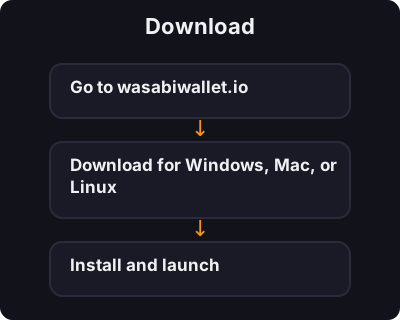
Download

Download
  1. Go to wasabiwallet.io
  2. Download for Windows, Mac, or Linux
  3. Install and launch
2
पायरी 2 / 7

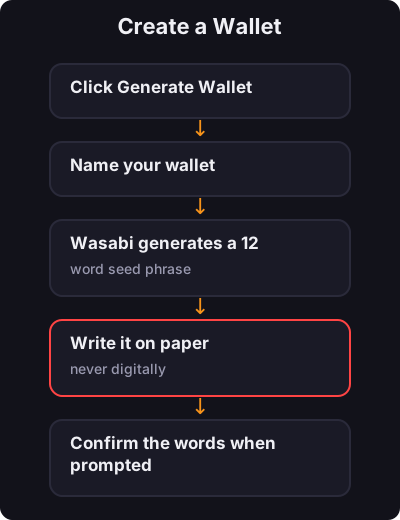
Create a Wallet

Create a Wallet
  1. Click Generate Wallet
  2. Name your wallet
  3. Wasabi generates a 12-word seed phrase
  4. Write it on paper — never digitally
  5. Confirm the words when prompted
  6. Set a strong password
3
पायरी 3 / 7

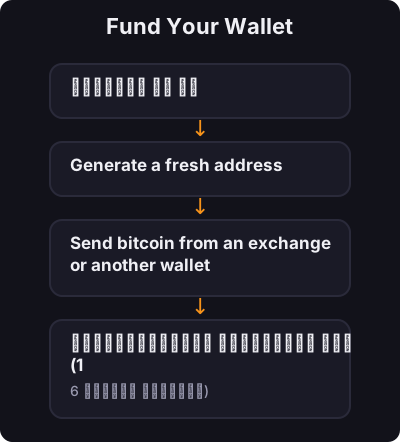
Fund Your Wallet

Fund Your Wallet
  1. प्राप्त वर जा
  2. Generate a fresh address
  3. Send bitcoin from an exchange or another wallet
  4. पुष्टीकरणांची प्रतीक्षा करा (1-6 रकमेवर अवलंबून)
4
पायरी 4 / 7

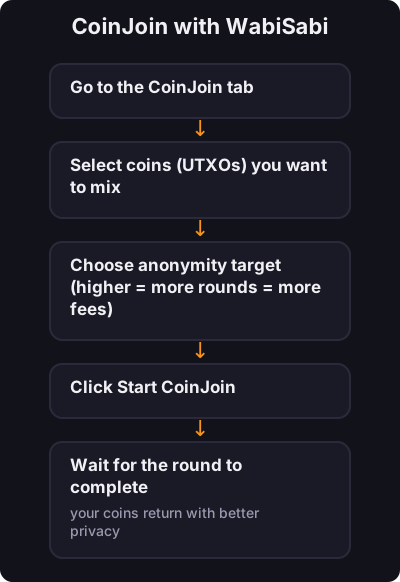
CoinJoin with WabiSabi

CoinJoin with WabiSabi
  1. Go to the CoinJoin tab
  2. Select coins (UTXOs) you want to mix
  3. Choose anonymity target (higher = more rounds = more fees)
  4. Click Start CoinJoin
  5. Wait for the round to complete — your coins return with better privacy
5
पायरी 5 / 7

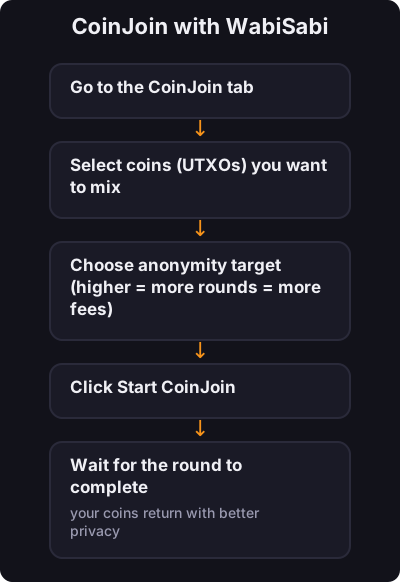
CoinJoin with WabiSabi

CoinJoin with WabiSabi
  1. Go to the CoinJoin tab
  2. Select coins (UTXOs) you want to mix
  3. Choose anonymity target (higher = more rounds = more fees)
  4. Click Start CoinJoin
  5. Wait for the round to complete — your coins return with better privacy
6
पायरी 6 / 7

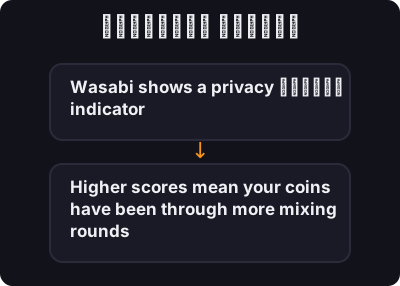
गोपनीयता स्कोअर

गोपनीयता स्कोअर

Wasabi shows a privacy प्रगती indicator. Higher scores mean your coins have been through more mixing rounds and are harder to trace.
7
पायरी 7 / 7

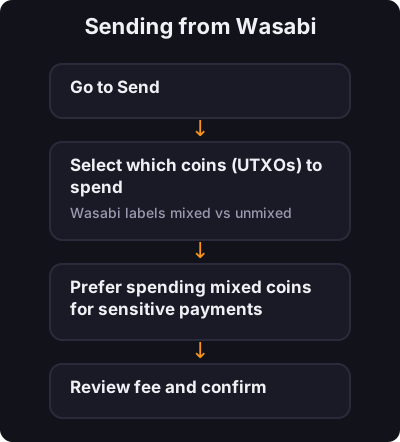
Sending from Wasabi

Sending from Wasabi
  1. Go to Send
  2. Select which coins (UTXOs) to spend — Wasabi labels mixed vs unmixed
  3. Prefer spending mixed coins for sensitive payments
  4. Review fee and confirm

✅ की टेकअवे

Wasabi is the easiest path to CoinJoin on desktop for beginners who want privacy tools built in. Master self-custody first, then use Wasabi for mixing when you are ready.

← ट्यूटोरियलकडे परत