⏱ 4 മിനിറ്റ് വായിച്ചു

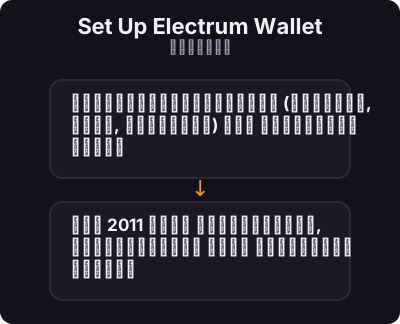
ഡെസ്‌ക്‌ടോപ്പിനുള്ള (വിൻഡോസ്, മാക്, ലിനക്‌സ്) ഒരു സ്വതന്ത്ര ഓപ്പൺ സോഴ്‌സ് ബിറ്റ്‌കോയിൻ വാലറ്റാണ് ഇലക്‌ട്രം. ഇത് 2011 മുതൽ നിലവിലുണ്ട്, വേഗതയേറിയതും ഭാരം കുറഞ്ഞതും മുഴുവൻ ബ്ലോക്ക്‌ചെയിൻ ഡൗൺലോഡ് ചെയ്യേണ്ട ആവശ്യമില്ലാത്തതുമാണ്.
നിങ്ങൾ ആരംഭിക്കുന്നതിന് മുമ്പ്

  • People comfortable using a computer (not just a phone)
  • Users who want more control than a simple mobile wallet
  • Anyone preparing for hardware wallet integration later
ഇലക്‌ട്രം വാലറ്റ് സജ്ജീകരിക്കുക
0 / 5
1
ഘട്ടം 1 / 5

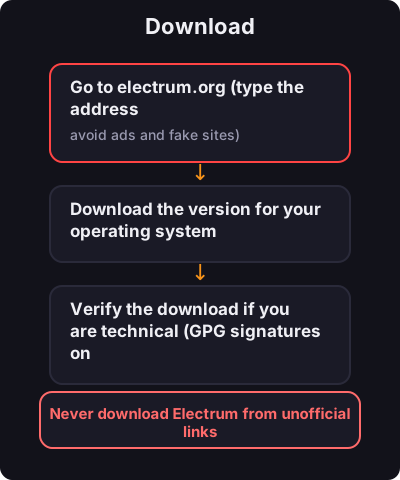
Download

Download
  1. Go to electrum.org (type the address manually — avoid ads and fake sites)
  2. Download the version for your operating system
  3. Verify the download if you are technical (GPG signatures on the site)
2
ഘട്ടം 2 / 5

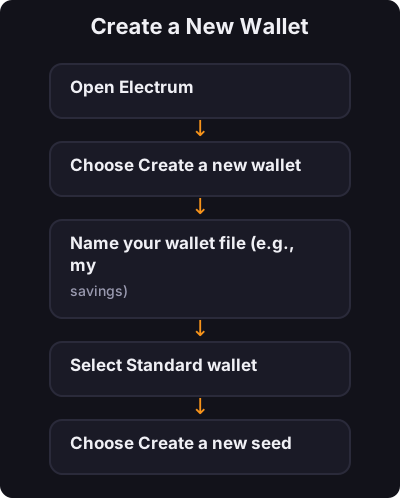
Create a New Wallet

Create a New Wallet
  1. Open Electrum
  2. Choose Create a new wallet
  3. Name your wallet file (e.g., my-savings)
  4. Select Standard wallet
  5. Choose Create a new seed
  6. Select Segwit (recommended for lower fees)
3
ഘട്ടം 3 / 5

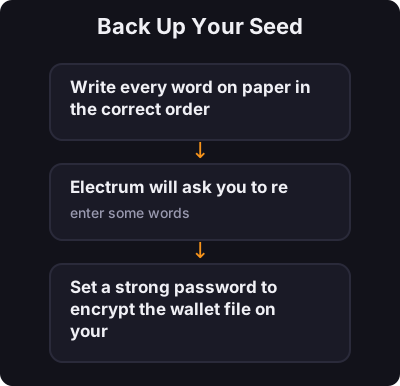
Back Up Your Seed

Back Up Your Seed

Electrum shows a 12-word seed phrase:
  1. Write every word on paper in the correct order
  2. Electrum will ask you to re-enter some words — this confirms you wrote them down
  3. Set a strong password to encrypt the wallet file on your computer
4
ഘട്ടം 4 / 5

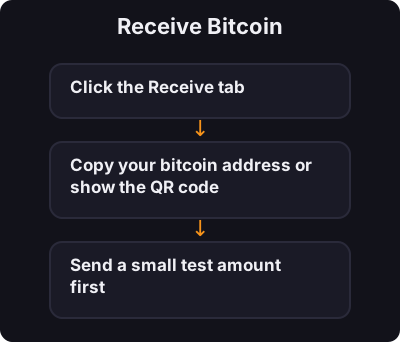
Receive Bitcoin

Receive Bitcoin
  1. Click the Receive tab
  2. Copy your bitcoin address or show the QR code
  3. Send a small test amount first
5
ഘട്ടം 5 / 5

Send Bitcoin

Send Bitcoin
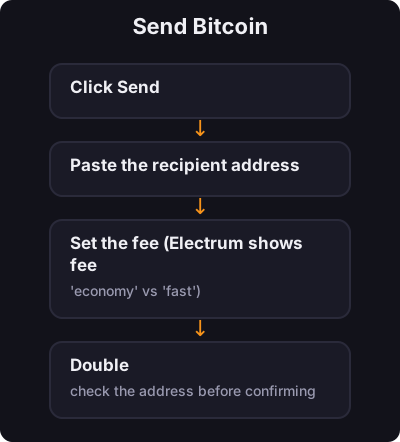
  1. Click Send
  2. Paste the recipient address
  3. Set the fee (Electrum shows fee options — "economy" vs "fast")
  4. Double-check the address before confirming

✅ കീ ടേക്ക്അവേ

തെളിയിക്കപ്പെട്ട ട്രാക്ക് റെക്കോർഡിനൊപ്പം ഡെസ്‌ക്‌ടോപ്പിൽ ഇലക്‌ട്രം നിങ്ങൾക്ക് യഥാർത്ഥ സ്വയം കസ്റ്റഡി നൽകുന്നു. നിങ്ങളുടെ സീഡ് ബാക്കപ്പ് ചെയ്യുക, ശക്തമായ ഒരു പാസ്‌വേഡ് ഉപയോഗിക്കുക, അയയ്‌ക്കുന്നതിന് മുമ്പ് വിലാസങ്ങൾ എപ്പോഴും പരിശോധിച്ചുറപ്പിക്കുക.

← ട്യൂട്ടോറിയലുകളിലേക്ക് മടങ്ങൂ