1
Download
- Android: Search "BlueWallet" on Google Play Store
- iPhone: Search "BlueWallet" on the App Store
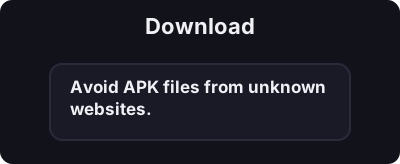
Only download from official app stores. Avoid APK files from unknown websites.
તમારા ફોન પર 5 મિનિટની અંદર તમારું પહેલું બિટકોઈન વોલેટ બનાવો.
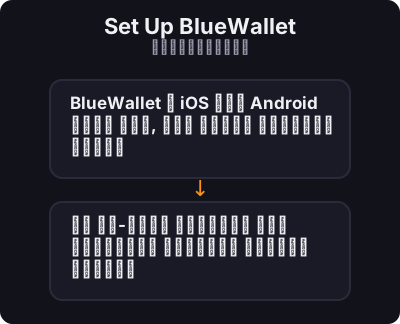
BlueWallet એ iOS અને Android માટે મફત, ઓપન સોર્સ બિટકોઇન વૉલેટ છે. તે ઓન-ચેઈન બિટકોઈન અને લાઈટનિંગ નેટવર્ક બંનેને સપોર્ટ કરે છે.
Only download from official app stores. Avoid APK files from unknown websites.
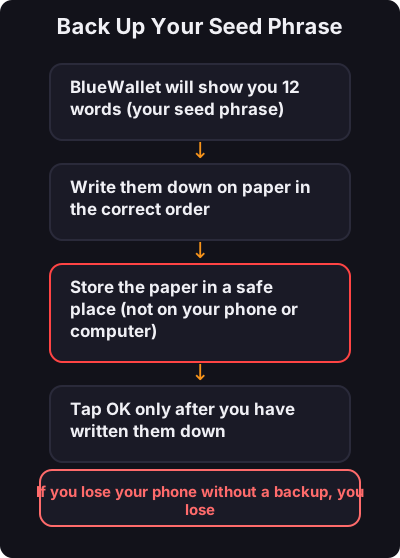
This is the most important step:
- તમારા સીડ શબ્દસમૂહનો ક્યારેય સ્ક્રીનશોટ કરશો નહીં - પહેલા થોડી માત્રામાં ટેસ્ટ કરો - નાની દૈનિક ચૂકવણી માટે અલગ લાઈટનિંગ વોલેટનો વિચાર કરો